The world of television has undergone a massive transformation over the past decade. The days of being tethered to rigid satellite dish installations, restrictive two-year cable contracts, and overpriced monthly bills with bloated equipment rental fees are swiftly coming to an end. Today, millions of cord-cutters worldwide are turning toward modern FlexStream IPTV services as their primary gateway to live television, real-time sports, and on-demand movies.
Whether you have discovered our brand through recommendations, community forums, or online searches for FLEXSTREAMIPTV, you may have fundamental questions: What makes FlexStream IPTV unique? How does it differ from conventional broadcasting? What is the difference between an M3U link and an Xtream Codes login? And how can you ensure a stutter-free 4K viewing experience in your living room?
In this definitive guide, the streaming architects at FlexStream break down the technology behind FlexStream IPTV in plain language, explaining how video data travels across high-speed content delivery networks (CDNs) directly to your favorite player.
1. The Fundamentals: What Does IPTV Actually Stand For?
IPTV stands for Internet Protocol Television. In technical terms, it refers to the secure transmission of television signals and multimedia content over computer networks using the TCP/IP suite rather than traditional terrestrial antenna radio frequencies, satellite dishes, or underground coaxial cables.
When you watch conventional broadcast television, signals are continuously beamed into the air or sent through physical cables simultaneously across all channels. Your television tuner merely isolates one frequency from the flood of data. This traditional model is inherently inefficient and geographically locked: cable companies decide what programming you receive based entirely on your physical neighborhood, and broadcasters waste bandwidth sending thousands of video streams you aren't currently viewing.
By contrast, the FlexStream IPTV platform utilizes a high-efficiency unicast or multicast client-server model. When you select a channel—for instance, an English Premier League match in 4K—your player app sends a tiny request packet to our European cloud server. The FLEXSTREAMIPTV server instantly initiates a dedicated, packetized video stream directly to your specific IP address. The moment you zap to a movie channel or browse an on-demand series, the previous stream halts and the new media packets begin flowing within milliseconds.
2. The Three Core Types of IPTV Architecture in FlexStream
A premium FlexStream IPTV account provides far more than standard linear television channels. In practice, our system bundles three distinct streaming formats into a single dashboard:
- Live Television (Linear Streaming): Real-time broadcasts of over 150,000 live channels across sports, news, entertainment, and children's networks worldwide. Live sport broadcasts utilize adaptive bitrate streams at 50 or 60 frames per second (fps) to guarantee fluid motion without ghosting on FLEXSTREAMIPTV.
- Video on Demand (VOD): A vast, searchable digital catalog containing 120,000+ movies and complete episodic television series. You can pause, rewind, fast-forward, and select foreign subtitle tracks or 5.1 Dolby audio passthrough at your convenience.
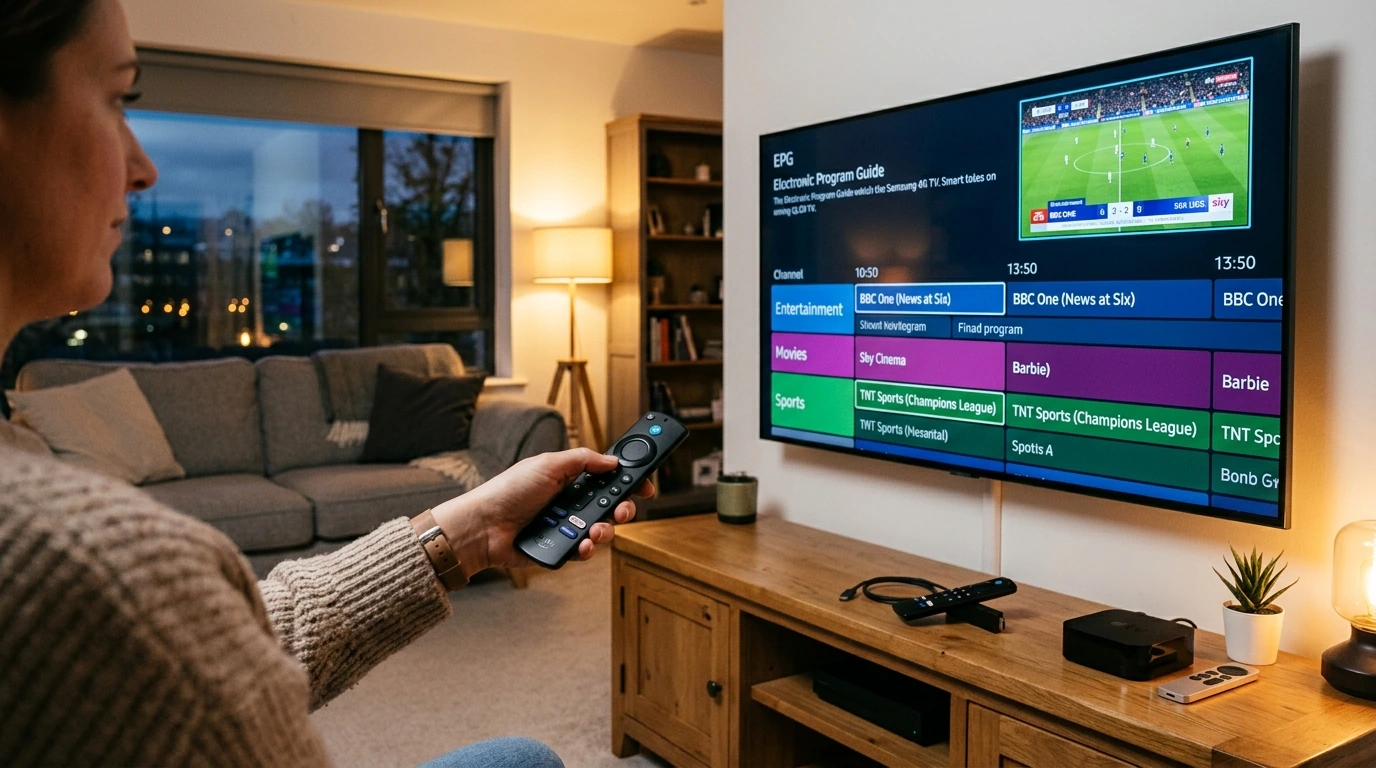
- Time-Shifted Media & TV Catch-Up: The ability to replay previously aired live broadcasts up to 7 days in the past. If you missed a live qualifying session of Formula 1 or an evening news bulletin, interactive Electronic Program Guide (EPG) metadata allows you to jump backwards in time and watch on demand.
3. How FlexStream IPTV Connects to Your Devices
One of the biggest advantages of FlexStream IPTV is complete hardware independence. You do not need to lease an expensive set-top box or drill holes in your exterior brickwork for dish mounts. Instead, your FLEXSTREAMIPTV credentials connect to software applications running on consumer devices you already own:
- Smart Televisions: Samsung (Tizen OS), LG (WebOS), Sony, Philips, and Android TVs.
- Streaming Sticks & Media Players: Amazon Fire TV Stick 4K Max, Apple TV 4K, Google Chromecast, Nvidia Shield, and Formuler Z boxes.
- Personal Computers: Windows PC, Apple Mac, Linux, and web browsers.
- Mobile Devices: Apple iPhone, iPad, and all Android smartphones and tablets.
"FlexStream IPTV liberates your viewing habits. Instead of paying for a cable box in each bedroom, you can install one FLEXSTREAMIPTV account across all household hardware."
4. Xtream Codes API vs. M3U Playlist: Which Should You Use?
When you complete your order for FlexStream IPTV, your confirmation email will contain two distinct formats for activating your streams:
- Xtream Codes API (Strongly Recommended): This is the modern industry standard. You receive a Server URL, a Username, and a Password. Entering these three fields into player apps like IPTV Smarters Pro, TiviMate, or IBO Player allows the app to communicate directly with our server database. The app automatically organizes channels into tidy category folders, downloads high-resolution channel logos, updates the TV Guide (EPG) every morning, and organizes your VOD library with IMDB ratings and plot summaries.
- M3U Playlist URLs: An M3U file is a raw text playlist containing direct HTTP URLs for every channel. While universal and compatible with VLC Media Player or older media centers, M3U playlists can take longer to reload because your device must parse tens of thousands of lines of plain text each time the app launches.
5. How Anti-Freeze Technology Eliminates Buffering
Buffering is the number one frustration for television viewers, especially during high-stakes sporting events when millions of fans tune in simultaneously. Inferior providers rely on cheap, oversold virtual private servers that collapse under peak load.
At FlexStream IPTV, our network is built on dedicated European bare-metal clusters located in Frankfurt, London, and Amsterdam. Our proprietary FLEXSTREAMIPTV Anti-Freeze routing protocol incorporates dynamic load balancing: if a fiber line between our data center and your internet provider experiences transient congestion, our edge routers automatically re-route your video packets through secondary fiber optic pipelines in under 10 milliseconds. As a result, you enjoy continuous 4K 60fps playback without stuttering or spinning wheel pauses.
6. Understanding Legalities, Privacy & ISP Throttling
Is using an IPTV service secure? High-quality IPTV providers deploy SSL/TLS encryption across their API endpoints. However, many conventional broadband service providers (ISPs) intentionally throttle media streaming traffic during weekend evenings to conserve network bandwidth.
Because FlexStream IPTV embeds obfuscated routing directly into our content stream delivery, our video packets resemble standard secure web traffic, significantly reducing the likelihood of artificial ISP throttling. Furthermore, our FLEXSTREAMIPTV infrastructure is 100% compatible with leading VPN solutions such as NordVPN and ExpressVPN for viewers who desire absolute digital privacy.
7. How to Get Started in 3 Simple Steps
Ready to take control of your television experience? Getting started with FlexStream IPTV takes under 2 minutes:
- Visit our Packages & Pricing page and select your preferred single-screen or multi-screen plan.
- Receive your instant automated activation email and WhatsApp confirmation containing your Xtream Codes API credentials.
- Follow our step-by-step Installation Guide to pair your Smart TV, Firestick, or phone, and dive into 150,000+ live channels right away!